Version 0.40.0 Oct 29, 2026
Better Form Emails and a Drag-and-Drop Form Editor
Welcome and double opt-in emails can now be designed just like your campaigns, and the form editor has become a lot easier to use.
Welcome and Double Opt-In Emails with the Full Editor
Keila 0.40 brings the full email editor to Double Opt-in and Welcome emails. This means you can now:
- Choose the email type: Markdown, Text only, MJML, or HTML
- Pick one of your templates, so your form emails match the look of your newsletter
- Set a custom subject and preview text
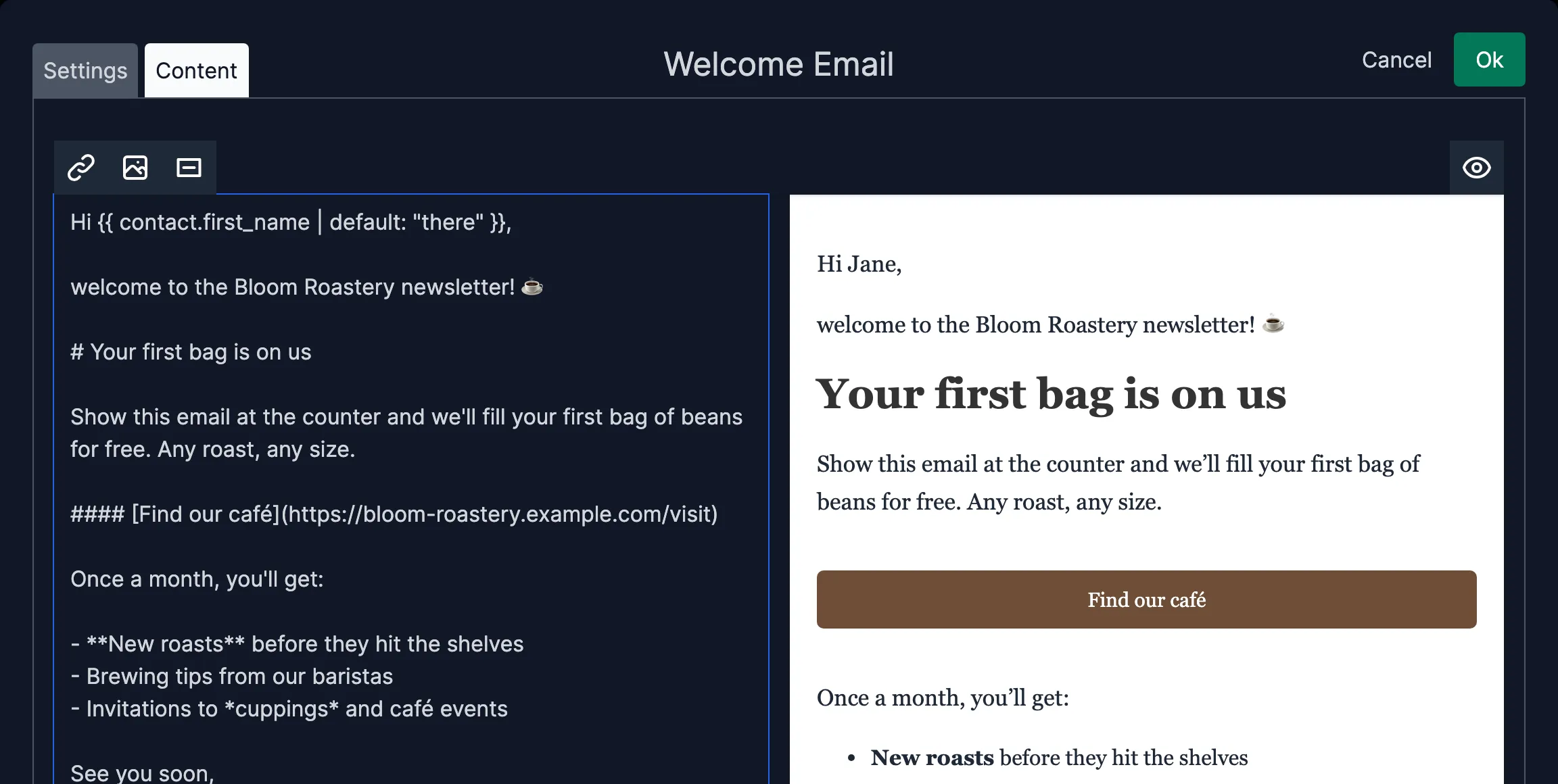
If you leave the subject or content empty, Keila uses its default text in your subscriber’s language.
If you write a custom double opt-in email, remember to include a link to {{ double_opt_in_link }} so that new
subscribers can confirm their subscription:
[Confirm subscription]({{ double_opt_in_link }})Existing welcome and double opt-in emails are migrated to the new format automatically.
Drag-and-Drop Form Fields
The fields of your forms, as well as the options of dropdown fields, can now be reordered with drag and drop. Grab the handle next to a field and move it up or down.
Automatic Data Keys
When you add a custom field, Keila now derives its data key from the label as you type. A field labeled
Favorite Color automatically stores its value as favorite_color, which you can then use in your as
{{ contact.data.favorite_color }} or data.favorite_color in your segments.
To manually change the data key, you can click Edit below the label.
For API Users
Welcome and double opt-in emails are now available as the welcome_email and double_opt_in_email objects in the
Forms API. The previous template_id, settings.welcome_subject, settings.welcome_markdown_body,
settings.double_opt_in_subject, and settings.double_opt_in_markdown_body properties have been removed.